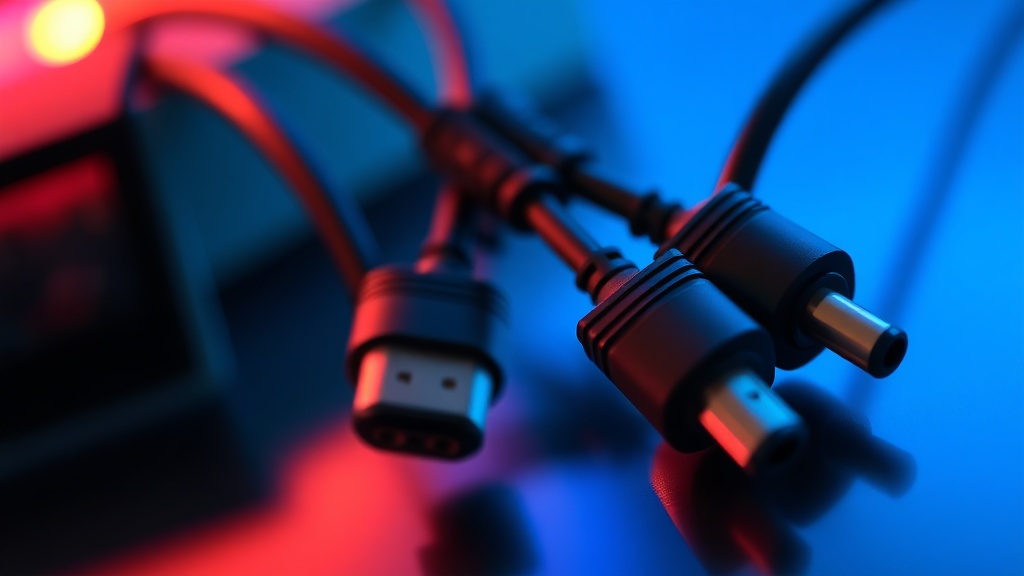
Selecting High-Quality Replacement Cables for Retro Consoles

Why does the quality of your AV cable matter so much?
Have you ever plugged your beloved Super Nintendo into a modern TV, only to find the image looks like a blurry, muddy mess? It is frustrating. You've spent years hunting down the perfect cartridge and a clean console, but the output quality is failing you. This happens because not all cables are created equal. Most people assume a standard AV cable is just a standard AV cable, but when it comes to retro gaming, the difference between a cheap generic cord and a high-quality component or RGB cable is night and day. This post covers the different types of video connections, what to look for in a replacement, and how to avoid wasting money on low-quality junk.
When we talk about video signals, we're looking at how information travels from your console to your screen. Most older consoles used composite video (the yellow RCA plug). While this was the standard for decades, it's inherently limited. If you want a sharper image, you need to look toward S-Video or Component cables. These methods separate the brightness (luminance) from the color (chrominance), which results in a much cleaner picture. If you're still using the cables that came in a random box from a thrift store, you're likely leaving a lot of detail on the table.
What are the best cable types for retro gaming?
To understand what you need, you have to understand the hierarchy of video quality. It isn't just about a newer connection; it's about how the signal is handled. Here is a breakdown of the most common connections you'll encounter in the collecting world:
- Composite (AV): This is the standard yellow, white, and red setup. It's fine for casual play, but it's the lowest quality. It often results in "color bleeding" where the colors look like they're leaking out of the lines.
- S-Video: A massive step up from composite. It uses two signals instead of one to separate color and brightness. It's much sharper and is a great middle-ground for many 90s consoles.
- Component (YPbPr): This uses five wires to carry the signal. It's significantly more stable and provides a much clearer image for consoles like the GameCube or original Xbox.
- RGB (Red, Green, Blue): This is the gold standard for enthusiasts. RGB cables provide the purest signal possible by sending the color information through dedicated wires. If you're playing on a high-end CRT, this is what you want.
If you're looking for technical specifications on how these signals behave, the Wikipedia page on Composite Video offers a deep dive into the signal types. Understanding these basics helps you make better purchasing decisions when you're browsing eBay or specialized retro shops.
How do I know if a cable is high quality?
The biggest trap for collectors is buying "cheap" cables that claim to be high-end. Many manufacturers on sites like Amazon or AliExpress use low-grade wiring that can actually introduce noise or even damage your console's output if the voltage is incorrect. To avoid a bad purchase, look for these specific indicators of quality:
- Shielding: High-quality cables have better shielding to prevent electromagnetic interference. If the cable feels thin and flimsy, it likely lacks the shielding needed to keep the signal clean.
- Connector Fit: A good cable should fit snugly into the console's ports. If it feels loose or wiggles excessively, the internal pins might be thin or poorly positioned.
- Cable Thickness: While thickness doesn't always mean quality, a slightly heavier-duty cable usually indicates better internal construction and better shielding.
- Brand Reputation: Look for brands that specialize in retro hardware. Companies like Retro Gaming Peripherals or specialized makers on Etsy often produce much better versions than generic mass-market brands.
You can often find great advice on specific cable builds through community-driven sites. For example, checking the Reddit community can give you real-world feedback on which brands are actually delivering the quality they promise.
Is it worth upgrading my setup?
It really depends on what you're playing and what you're playing it on. If you are playing a simple 8-bit game on a small screen, you might not notice a massive difference. However, if you're trying to play a highly detailed game like The Legend of Zelda: A Link to the Past or Castlevania: Symphony of the Night, the difference is staggering. A high-quality S-Video or RGB cable makes the sprites pop and keeps the background from looking like a blurry mess. It's not just about aesthetics; it's about seeing the game as the developers intended.
One thing to keep in mind is that your display matters just as much as your cable. If you're using a cheap, modern LCD TV with a basic AV-to-HDMI converter, you'll never get the best out of a high-end RGB cable. The converter itself becomes the bottleneck. For the absolute best experience, many collectors prefer using a high-quality CRT (Cathode Ray Tube) television. The natural scanlines of a CRT, paired with a high-quality signal, create a look that modern displays simply cannot replicate.
When you're out there hunting for parts, remember that the cable is the bridge between your history and your eyes. Don't settle for the cheapest option you find. Invest in something that preserves the clarity of your collection. It's a small cost that makes a huge difference in your daily gaming sessions.